
OpenFDA API Query Builder
Construct and test Elasticsearch queries for the OpenFDA Drug Adverse Event API. This tool helps you filter by generic name, seriousness, and outcome.
Query Breakdown
- Enter parameters above and click "Build" to see how your query is constructed using Elasticsearch syntax.
Imagine you want to know if a specific medication causes headaches. You could call your doctor, or you could dig into the raw data yourself. For years, that second option was nearly impossible for anyone without a team of data scientists. The FDA Adverse Event Reporting System, commonly known as FAERS, is a database containing millions of reports about side effects experienced by patients taking FDA-regulated drugs. It holds the truth, but it used to be locked behind complex XML files that required massive computing power to process.
Then came OpenFDA, an initiative launched in 2014 that turned those messy files into clean, searchable APIs. Today, you can query this vast ocean of safety data with just a few lines of code. Whether you are a researcher looking for safety signals or a developer building a health app, understanding how to access these reports is a game-changer.
What Is OpenFDA and Why Does It Matter?
OpenFDA is not just another website; it is a bridge between government data and public innovation. Before its launch, accessing structured data on drug recalls, device problems, or adverse events meant navigating a bureaucratic maze. The Food and Drug Administration (FDA) recognized this barrier and built an Elasticsearch-based API to democratize access.
The core value here is simplicity. Instead of downloading gigabytes of text files, you send a request and get back JSON data. This format is easy for modern programming languages like Python, R, and JavaScript to digest. The platform covers more than just drugs. It includes endpoints for medical devices, food enforcement actions, and tobacco products. However, the most popular use case remains drug safety monitoring through the FAERS dataset.
Why does this matter to you? Because transparency saves lives. By making this data accessible, the FDA allows independent researchers, journalists, and developers to spot trends that might otherwise go unnoticed. It creates a layer of accountability that benefits everyone who takes prescription medication.
Understanding the Data Structure: FAERS vs. OpenFDA
To use the API effectively, you need to understand what you are actually looking at. FAERS is the source system where healthcare professionals and consumers submit reports of adverse events. These reports are spontaneous, meaning they come from real-world usage rather than controlled clinical trials.
When you query OpenFDA, you are querying an indexed version of this data. The system uses MedDRA (Medical Dictionary for Regulatory Activities) coding to standardize terms. This means if someone reports "head ache," "migraine," and "cranium pain," the system groups them under a standardized hierarchy. This standardization is crucial for accurate signal detection.
| Feature | Direct FAERS Download | OpenFDA API |
|---|---|---|
| Data Format | XML Files | JSON via HTTP Request |
| Processing Required | High (Requires parsing logic) | Low (Ready-to-use structure) |
| Timeliness | Quarterly updates | Near real-time (with slight lag) |
| Cost | Free | Free |
| Technical Skill | Advanced Data Engineering | Basic Programming/API Knowledge |
One critical distinction is timeliness. While OpenFDA offers near-real-time access, there is often a processing delay of up to a quarter compared to the raw submissions. Always keep this latency in mind when analyzing recent safety signals.
Getting Started: Authentication and Limits
You can start using the API immediately, but there are rules. Without an API key, you are limited to 1,000 requests per day. If you plan to do serious analysis, you need to register for a free API key at open.fda.gov. This bumps your limit to 240 requests per minute and 120,000 requests per day. That is plenty for most research projects and applications.
Here is how you set it up:
- Visit the OpenFDA authentication page.
- Create an account and generate your unique key.
- Include the key in the header of every API request you make.
If you exceed the rate limit, the server will return a 429 error. To avoid this, implement throttling in your code. For example, if you are pulling data in a loop, add a small delay between requests. Most libraries, like the openFDA package in R, handle this automatically once you set the key using set_api_key().
Writing Your First Query
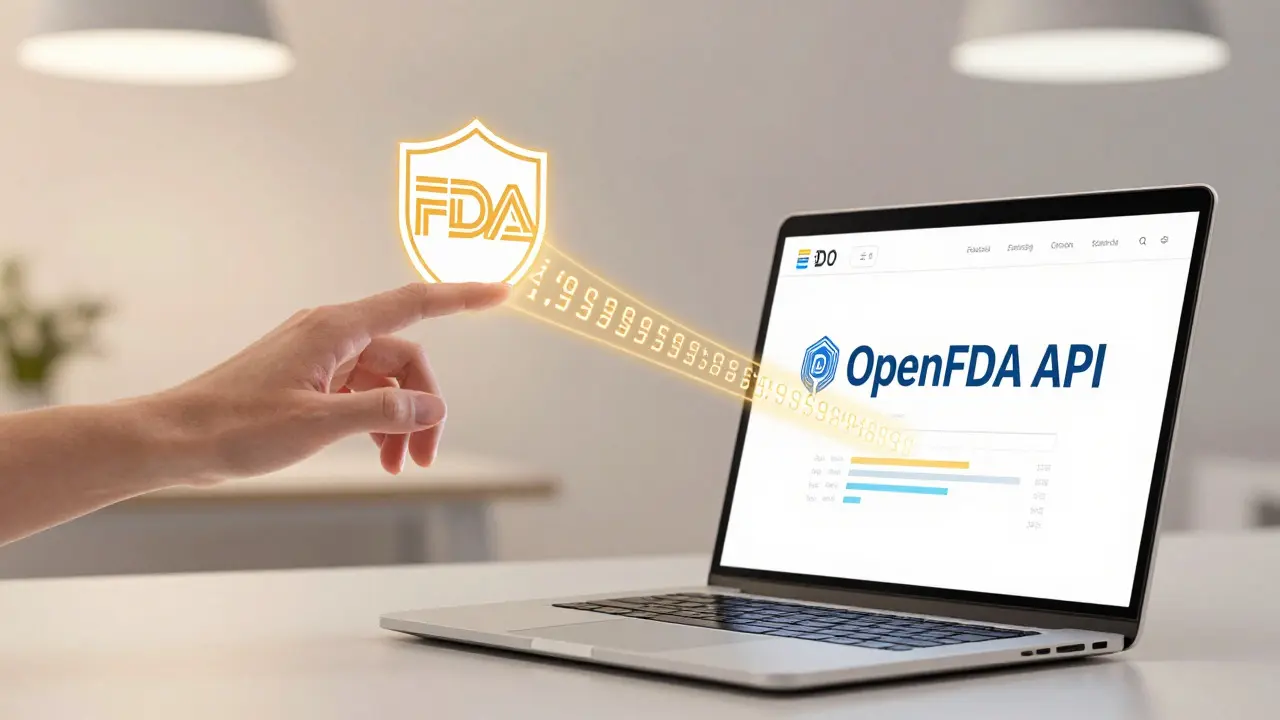
The OpenFDA API uses Elasticsearch syntax. This might sound intimidating, but it is essentially a powerful search language. You don't need to learn the entire specification to get started. Let's look at a practical example.
Suppose you want to find all adverse event reports for the drug "Lisinopril" where the outcome was "hospitalization." Your query would look something like this:
GET /drug/event.json?search=openfda.generic_name:"lisinopril"+AND+serious:"true"&limit=5Breaking this down:
/drug/event.json: Specifies the endpoint for drug adverse events.search=...: Defines the filter criteria. We are looking for the generic name Lisinopril and marking the event as serious.limit=5: Restricts the response to five records so you can inspect the structure.
The response will include fields like patient demographics, the specific adverse event terms (coded in MedDRA), and the reporter's role. Notice that patient identifiers are stripped out for privacy. You will see age ranges and gender, but never names or addresses.
Detecting Safety Signals
Accessing data is one thing; finding meaning in it is another. Signal detection involves identifying disproportionate reporting of certain side effects. For instance, if 80% of reports for Drug A mention liver damage, while only 1% of reports for similar drugs do, that is a potential signal.
However, correlation is not causation. FAERS data is noisy. People report side effects for many reasons, including underlying conditions or interactions with other medications. When you analyze this data, you must account for confounding variables.
Common pitfalls include:
- Ignoring baseline rates: Some symptoms, like fatigue, are reported frequently across all drugs because they are common in sick populations.
- Overlooking duplicate reports: The same event might be reported multiple times by different sources. OpenFDA provides tools to help deduplicate, but you should verify this in your analysis.
- Misinterpreting seriousness: A "serious" event means it resulted in death, hospitalization, or disability. It does not necessarily mean the drug caused it directly.
To mitigate these issues, compare your target drug against a control group of similar medications. Use statistical methods like the Reporting Odds Ratio (ROR) to quantify the strength of the association. Remember, OpenFDA provides the data, not the diagnosis. Always consult clinical guidelines before drawing conclusions.

Tools and Libraries
You don't have to build everything from scratch. Several community-maintained libraries simplify interaction with the API.
In R, the openFDA package is widely used. It handles authentication, pagination, and rate limiting automatically. In Python, you can use the requests library combined with pandas for data manipulation. For JavaScript developers, the standard fetch API works well, though you may need to write custom logic for handling large datasets.
If you are new to coding, consider using Microsoft Power BI connectors. They offer a pre-built connector for OpenFDA that allows you to visualize data without writing code. This is particularly useful for business analysts who need to present findings to stakeholders quickly.
Best Practices for Reliable Analysis
To ensure your work stands up to scrutiny, follow these best practices:
- Validate your queries: Start with small limits to check if your filters are working as expected.
- Handle missing data: Not all reports include complete information. Check for null values in critical fields like age or weight.
- Respect rate limits: Implement exponential backoff if you hit a 429 error. This prevents your script from crashing.
- Cite your source: When publishing results, acknowledge OpenFDA and the FDA as the data providers.
Finally, remember the disclaimer: Do not rely on OpenFDA to make decisions regarding medical care. Always speak to your health provider about the risks and benefits of FDA-regulated products. This data is a tool for insight, not a replacement for professional medical advice.
Is the OpenFDA API free to use?
Yes, the OpenFDA API is completely free. However, unauthenticated users are limited to 1,000 requests per day. Registering for an API key increases this limit significantly, allowing for more extensive data retrieval.
How current is the data in the FAERS database?
The data is updated regularly, but there can be a delay of up to a quarter due to processing requirements. It reflects publicly available reports submitted to the FDA, so it is not instantaneous but generally represents the most recent public record.
Can I identify individual patients from the data?
No. All patient identifiers are removed to protect privacy. You will receive demographic information such as age range, gender, and weight, but no names, addresses, or social security numbers.
What programming languages support the OpenFDA API?
Since the API returns JSON data, it can be accessed from any language that supports HTTP requests. Popular choices include Python, R, JavaScript, and Java. Specific libraries exist for R and Python to simplify the process.
Does OpenFDA replace clinical judgment?
Absolutely not. The FDA explicitly states that OpenFDA should not be used to make decisions regarding medical care. It is a resource for research and information, but clinical decisions should always involve a qualified healthcare provider.