You’ve got a question about your blood pressure meds. Maybe the side effects are weird, or you’re not sure if you should take it with food. Your instinct is to text your doctor. It’s fast. It’s easy. But hitting send on a standard SMS message with your health details isn’t just risky-it’s often against the rules.
That’s where secure messaging comes in. It’s the digital equivalent of a sealed envelope, designed specifically to protect your private health information while letting you chat with your care team. Since the Joint Commission updated its policies in June 2024 to allow secure texting for medication orders, this tool has become more powerful than ever. But using it correctly matters. Sending the wrong type of message to the wrong place can delay your care or put your data at risk.
Why You Should Never Text Your Doctor Regularly
Standard text messages and apps like WhatsApp or iMessage are not safe for medical discussions. They travel through public networks without encryption that meets healthcare standards. According to data from the Office for Civil Rights (OCR), 72% of healthcare data breaches involve unsecured channels. If you text your pharmacy number or your doctor’s personal cell phone asking about your dosage, that message could be intercepted, stored on an insecure server, or accidentally forwarded.
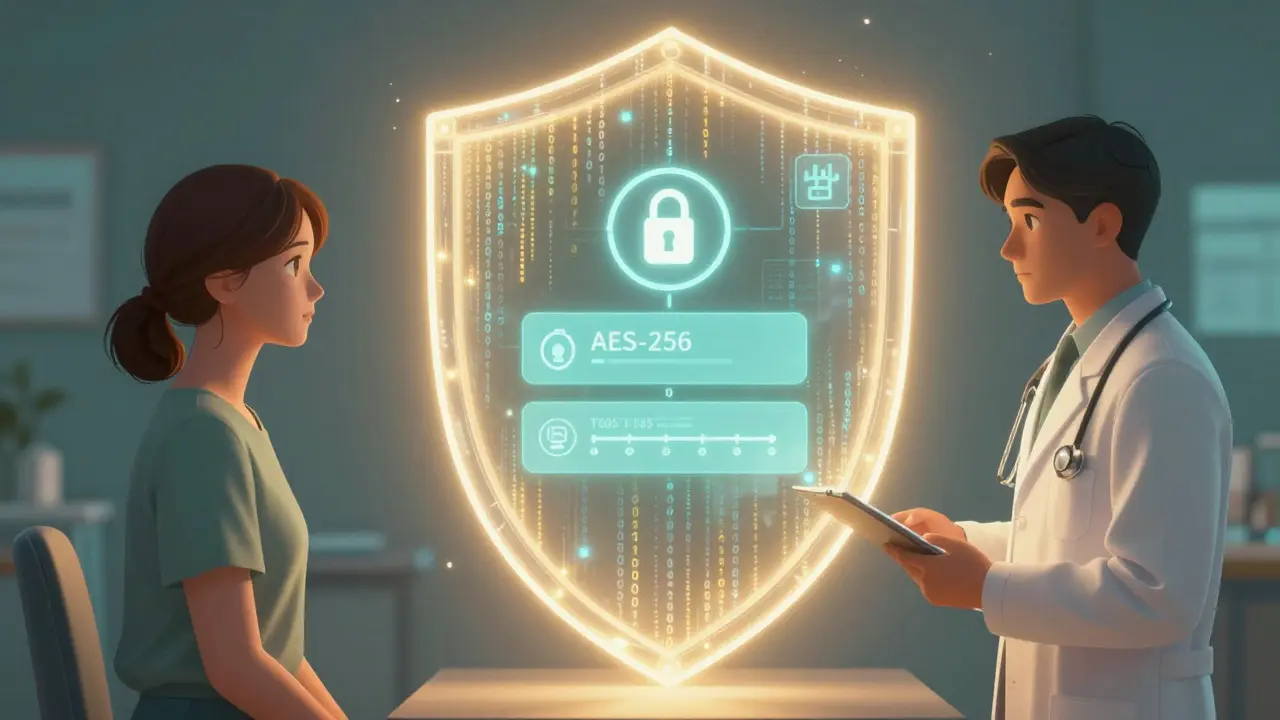
Secure messaging platforms, such as Epic MyChart or Cerner HealtheIntent, use end-to-end encryption (usually AES-256). This means only you and your authorized provider can read the content. These systems also create an audit trail-a permanent record of when the message was sent, received, and opened. This protects you legally and ensures your medical history is accurate. In short, if it involves your body, your brain, or your pills, keep it inside the secure portal.
When to Use Secure Messaging vs. When to Call
This is the most critical distinction to make. Secure messaging is fantastic for non-urgent issues. It is terrible for emergencies. About 14.7% of patients mistakenly use these portals for urgent problems, which contributes to delayed treatments in primary care settings.
- Use Secure Messaging For: Asking about mild side effects (like nausea or drowsiness), requesting prescription refills for maintenance medications, clarifying dosage instructions (e.g., "Do I take this twice a day?"), or reporting minor interactions with other drugs.
- Call 999 or Go to A&E For: Severe allergic reactions (swelling, difficulty breathing), chest pain, signs of overdose, or any sudden, severe change in your condition.
If you are unsure, look at the timing. If you need an answer in the next hour, do not use secure messaging. Most clinics have a 24-to-72-hour response window for these messages. While slower than a phone call, studies show this method reduces medication-related adverse events by 37% because the communication is documented and reviewed carefully rather than rushed over a noisy phone line.
Setting Up Your Profile Correctly
Before you send your first question, you need to ensure your digital file matches your physical reality. Many errors happen because the provider sees outdated information. Take two minutes to update your Medications & Allergies section in your portal.
- Navigate to the "Health Records" or "My Health" tab.
- Select "Medications." Add every drug you take, including over-the-counter supplements and vitamins.
- Enter the exact strength (e.g., 10mg) and frequency (e.g., once daily).
- Double-check your allergy list. Is it a true allergy (anaphylaxis) or just a sensitivity (upset stomach)? Be specific.
Data from the Kenner Army Health Clinic shows that keeping this record updated reduces medication errors by nearly 40%. When your doctor reads your message, they will instantly see what else is in your system. This context helps them answer faster and safer.
Crafting the Perfect Medication Message
Your doctor receives hundreds of messages a week. To get a clear, quick answer, you need to reduce their cognitive load. Dr. David Bates, a leading expert in patient safety, recommends including specific details in the subject line and body to cut down confusion.
Here is a template that works across most platforms like MyChart or NHS App integrations:
| Section | What to Include | Example |
|---|---|---|
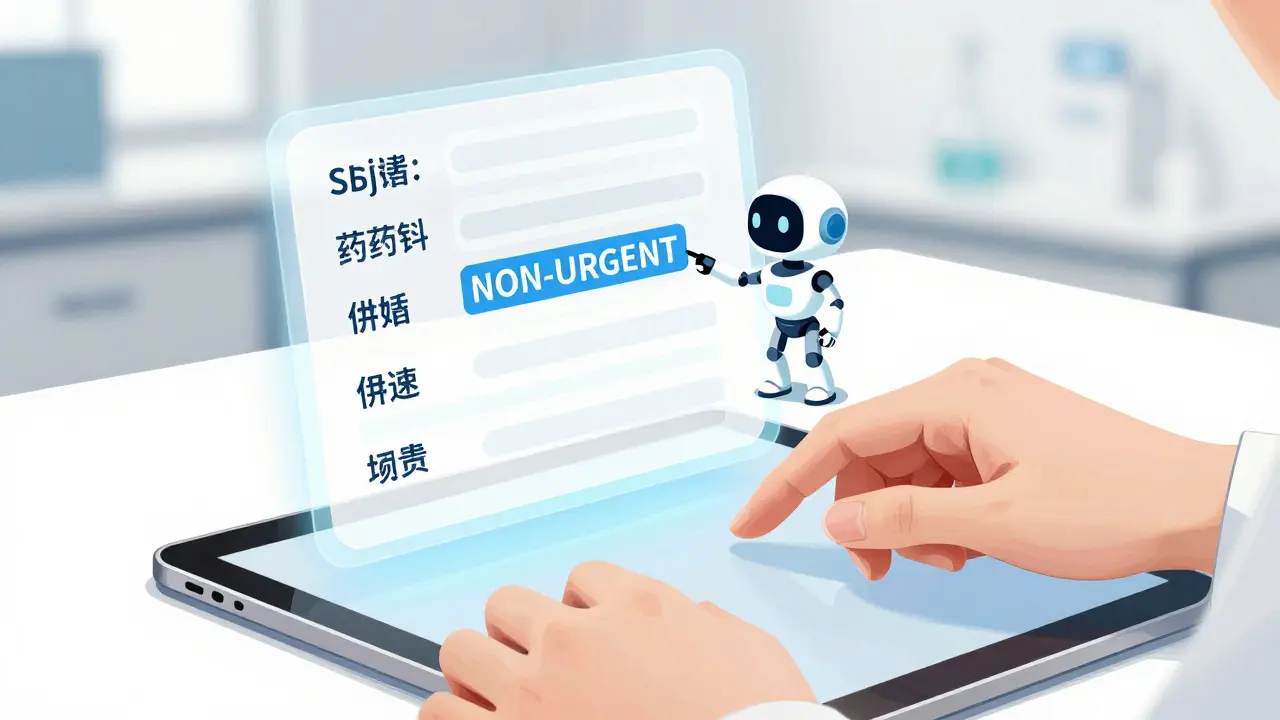
| Subject Line | MEDICATION QUESTION - NON-URGENT + Drug Name | MEDICATION QUESTION - NON-URGENT: Lisinopril Side Effects |
| Drug Details | Brand/Generic name, Dosage, Frequency | Lisinopril 10mg, taken once daily in the morning |
| The Issue | Specific symptom or question | I have had a dry cough for three days since starting this med. |
| Context | Timing, other meds, recent changes | I started this last Monday. I am also taking Ibuprofen for back pain. |
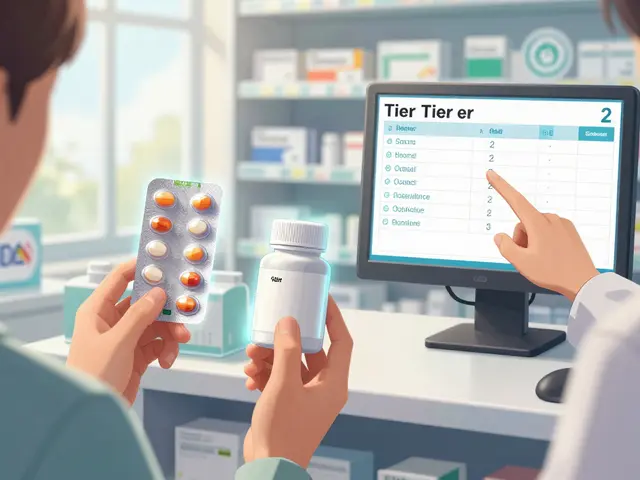
Notice the subject line. Adding "NON-URGENT" helps the triage team route your message to the right person-often a pharmacist or nurse practitioner-who can handle it quickly. Omitting this might cause your message to sit in a general queue. Also, if you are reporting a reaction, attach a photo of the pill bottle label. About 85% of platforms now support image uploads, and seeing the lot number or expiration date can be crucial for pharmacists investigating adverse reactions.
Understanding Response Times and Follow-Ups
Patient satisfaction with secure messaging is high (41% higher than phone calls) largely because you have a paper trail. However, patience is key. The average response time for medication questions is around 48 hours. This isn’t neglect; it’s safety. Providers review these messages during designated times to ensure accuracy.
If you haven’t heard back after 48 hours, check your portal notifications. Sometimes replies are marked as "read" but not pushed to your email. Do not reply via email unless the system explicitly allows it, as this breaks the security chain. If 72 hours pass with no response and your issue is still bothering you, send a polite follow-up message referencing your previous one. If symptoms worsen, pick up the phone.
One pro tip from healthcare workers: include your pharmacy’s contact info or NABP number if you are asking about a refill. This cuts processing time significantly because the clinic can verify stock and insurance coverage without calling you back.
Troubleshooting Common Issues
Sometimes the technology glitches, or human error occurs. Here is how to handle common scenarios:
- Wrong Recipient: Did you send a medication question to the billing department? Check the "To" field before sending. Most portals require you to select a category (e.g., "Medication," "Appointment") which auto-routes the message. If you picked "General," re-send it under "Medication."
- Automated Replies: Some systems send a bot response saying "Your request was received." This does not mean a human has seen it. Wait for the second message from a verified provider.
- Lost Messages: If you think a message didn’t go through, check your "Sent" folder. If it’s there, don’t double-send immediately. Instead, call the office and reference the timestamp of the sent message. Duplicate messages clutter the workflow and slow everyone down.
Remember, secure messaging is a partnership. The more precise you are, the better care you receive. By treating your patient portal as a professional workspace rather than a casual chat room, you help your providers stay organized and compliant, which ultimately keeps you safer.
Is secure messaging really safer than a phone call?
Yes, for non-urgent issues. Phone calls are prone to miscommunication, background noise, and lack of documentation. Secure messaging provides an encrypted, written record that becomes part of your medical chart. Studies show a 37% reduction in medication errors when secure messaging replaces phone calls for clarification questions.
Can I use WhatsApp to talk to my GP about prescriptions?
No. WhatsApp is not considered HIPAA-compliant or GDPR-compliant for transmitting protected health information in most clinical settings. Using it can lead to data breaches. Always use the official patient portal provided by your healthcare provider, such as MyChart, NHS App, or Cerner.
How long should I wait for a reply to a medication question?
Most healthcare systems aim to respond within 24 to 72 hours. If you have not received a reply after 48 hours, check your portal notifications. If your symptoms worsen or become urgent, do not wait for a reply; call your provider or seek emergency care.
What information must I include in my message?
Include the medication name (brand and generic), dosage, frequency, and a specific description of your question or side effect. Adding context, such as when you started the drug or other medications you take, helps providers give accurate advice faster.
Does secure messaging work for emergency situations?
Absolutely not. Secure messaging is strictly for non-urgent inquiries. For life-threatening conditions, severe allergic reactions, or overdoses, call emergency services (999 in the UK, 911 in the US) immediately. Delaying care to wait for a message reply can be fatal.